
Canva Introduces Magic Layers Turning Static AI Outputs Into Editable Designs
SHARE
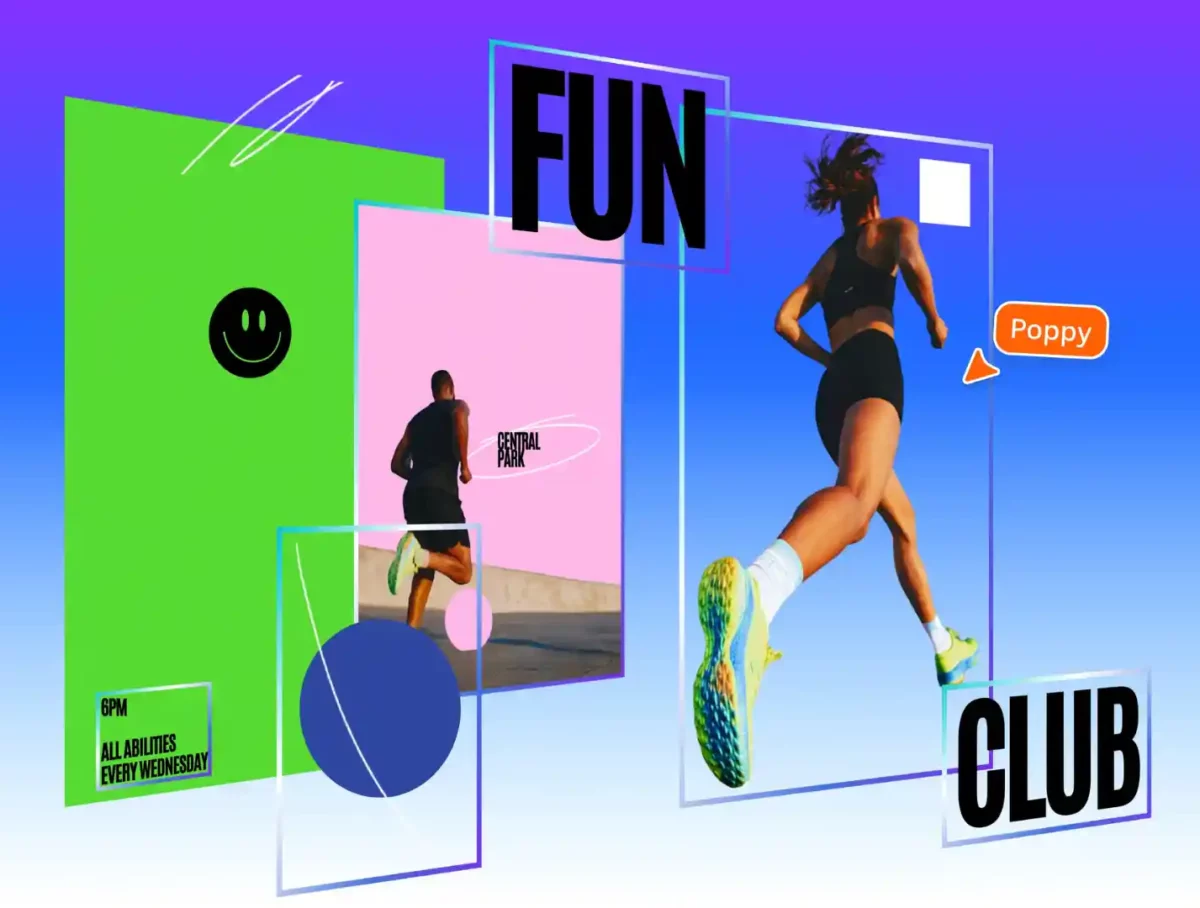
Canva, the world’s leading all-in-one visual communication platform, today unveiled Magic Layers, a new breakthrough technology that turns any flat design or image into something you can edit, refine, and remix to suit your vision.
Generative AI has triggered a flood of visual content, but most of it remains locked in static image files. Even small changes can require starting over, with reprompts that can unintentionally alter the entire design.
Powered by years of internal research and Canva’s growing investment in its AI development arm, Magic Layers ushers in a new era of editable content, where speed meets true creative control.
Available in public beta today, it turns AI-generated content into a launchpad, not a locked file, empowering creators to refine, reshape, and perfect every detail.
How it works
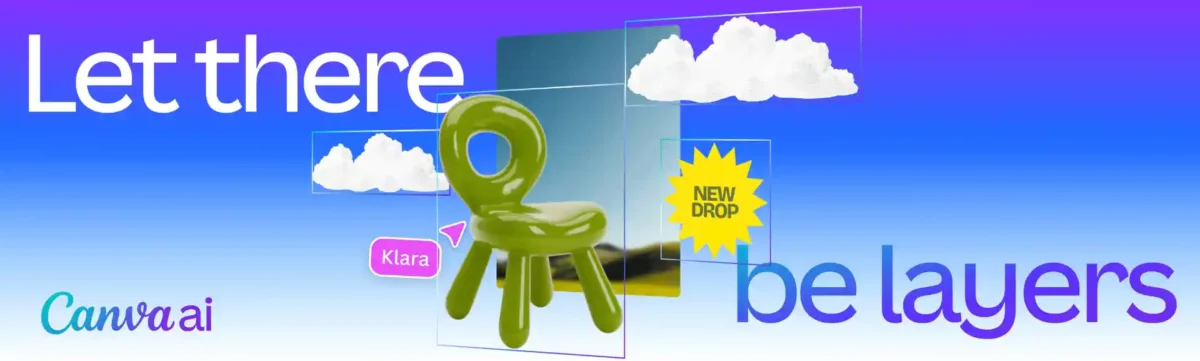
Magic Layers bridges the gap between AI-generated content and true creative control by turning flat images into structured, editable layers inside the Canva editor. Fixed files are unlocked, becoming brand-ready and scalable design assets. Whether starting with a new idea or an existing design, Magic Layers brings a new level of flexibility to AI-powered content creation:
- Upload your image, and Canva does the rest:
- Elements are intelligently separated into individual, movable objects
- Layout relationships are preserved automatically
- Text remains live and fully editable
- Outputs can be refined and iterated without starting over each time
- Generate a fully editable design with Canva AI:
- Go from prompt to refining in the Canva Editor in moments
- Create visually-rich and on-brand presentations, docs, social posts and more
- Then, move elements, swap backgrounds, or change fonts, all inside Canva
Magic Layers supports single-page .png and .jpg files in beta, with expanded capabilities in development.
For marketing teams refreshing campaigns, small businesses updating product messaging, and creators remixing ideas, what was once a barrier is now a starting point.
| “There’s been an explosion of AI-generated content that has, until now, been a dead end. You’d get a finished image you couldn’t edit, refine, or make your own. We think AI should spark creation, not stop it,” said Cameron Adams, co-founder and Chief Product Officer, Canva. “After a breakthrough from our AI research team, we’re introducing Magic Layers so anyone can take a flat image and turn it into a fully editable design inside Canva. There’s no need to start over, or to figure out the right prompt. Generation is just the beginning – real creative freedom comes from being able to edit without losing momentum.” |
The Technology Behind Magic Layers
When an image is exported, flattened, or generated by AI, its structure collapses. Text becomes pixels, individual objects merge together, and the design logic that once held everything in place disappears. Until now, editing that image meant starting over.
While traditional vector tools can trace shapes by converting pixel regions into outlines, they can’t understand what those shapes represent. They can’t distinguish a headline from a background, or identify which elements belong together. Magic Layers was built to solve that problem.
Instead of simply tracing an image, Magic Layers interprets the design as a whole. It analyzes structure, identifies relationships between elements, restores text as live boxes, and separates components while preserving the original layout. The result is a fully editable design – not just traced shapes, but a set of elements that preserve the intent behind the original creation.
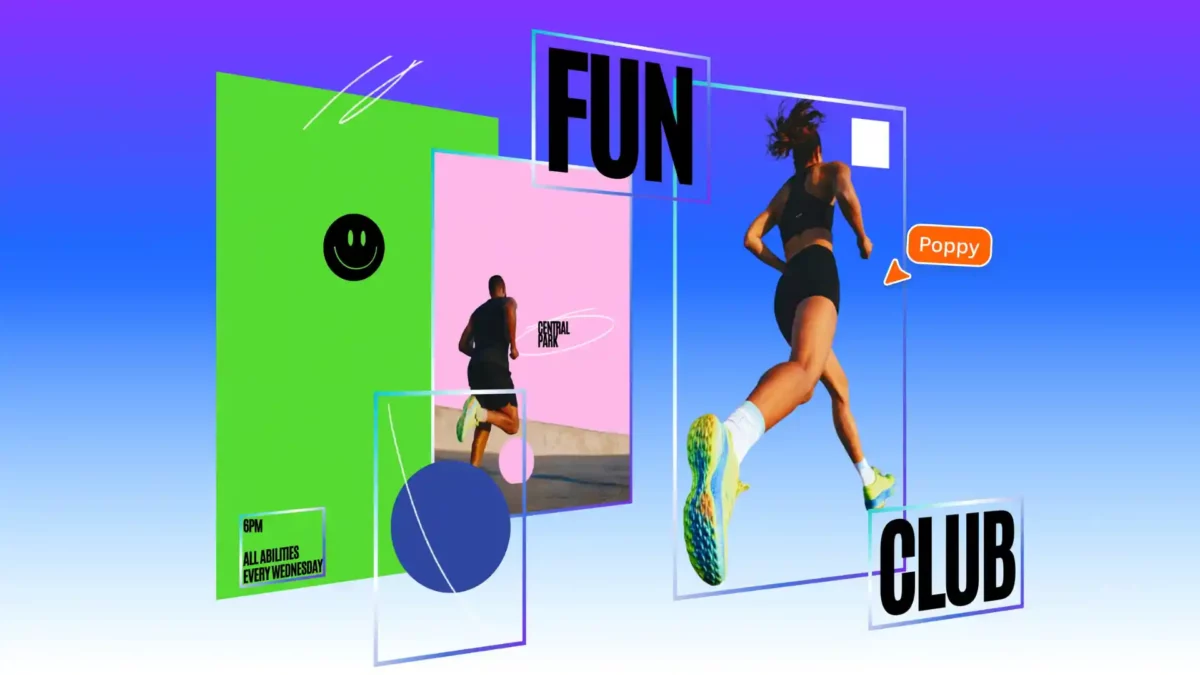
Canva’s Foundational AI Layer
Magic Layers is a new capability of the Canva Design Model, the company’s proprietary foundation model, and the first to generate designs that are editable from the start. Since launching in October, the Canva Design Model has generated hundreds of millions of editable presentations, documents, and social posts while also powering Canva’s integrations with ChatGPT, Claude, and Microsoft Copilot.
Magic Layers begins rolling out today in public beta in the United States, United Kingdom, Canada, and Australia, with global availability to follow. Learn more at www.canva.com/magic-layers.
*All Photos from Canva
RELATED ARTICLES

Leading Asian DMC Discova to Attend ITB Asia 2026
Qatar Airways Group Signs Inaugural Japanese Financing Agreement with Partners HSBC and JP Lease

WORLD WATERPARK ASSOCIATION AWARD CELEBRATES VIETNAM’S AQUATIC ENTERTAINMENT RISE

‘NBA Cares x Sands Cares Community Impact Week 2026’ Attracts Over 2,900 Participants Across Five Days